
Help / Test
Test your agent
Test your agent before customers see it, and again after every change. Tests started from the dashboard or Cy are free, are marked as tests in your conversations, and never reach your sales pipeline. Tests run with API keys or external MCP clients are billed.
What you need
- An agent in your Cysora dashboard. Nothing needs to be installed or connected first.
Start a test
- 1
Open the test menu
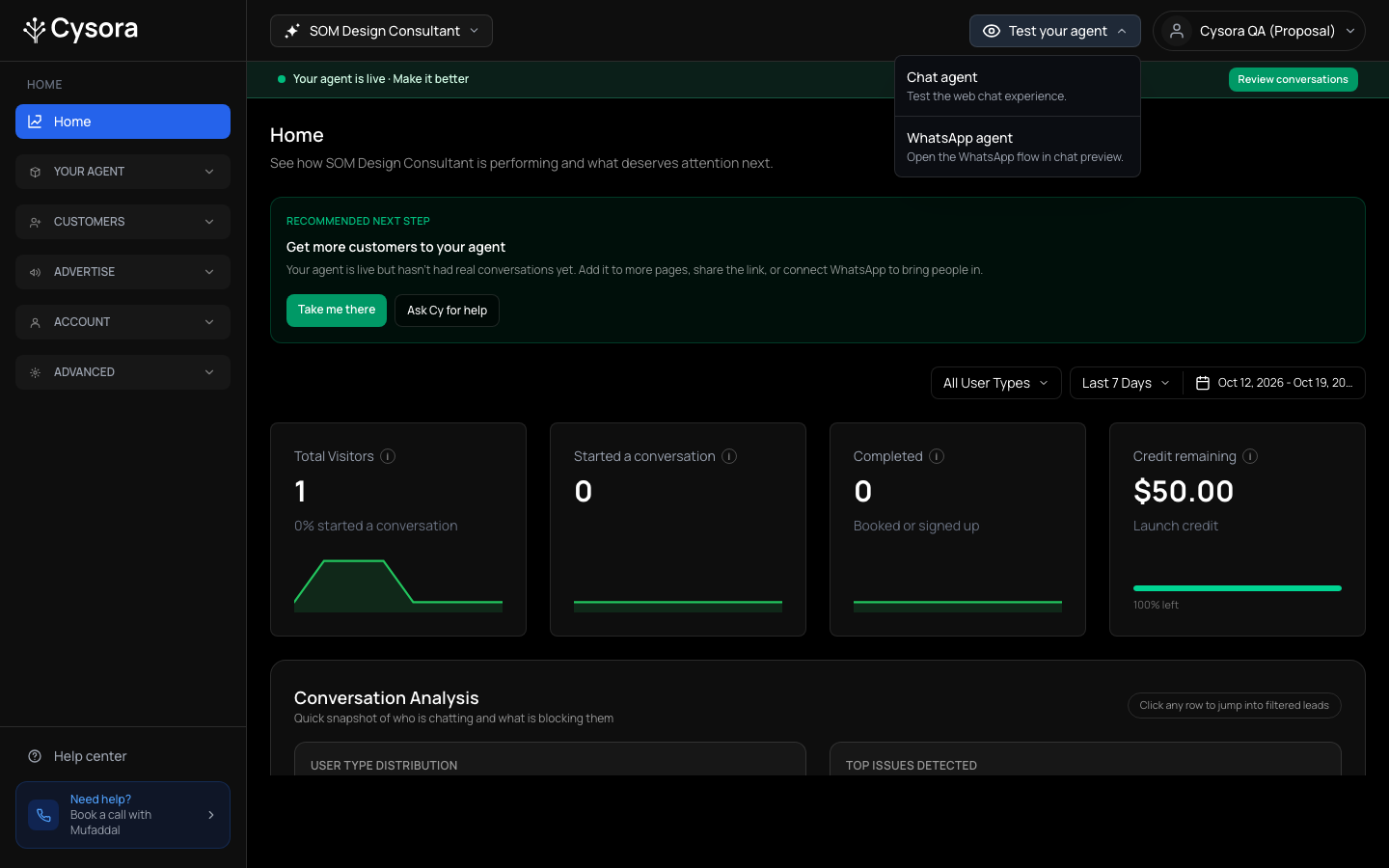
In the dashboard header, choose Test your agent.
- 2
Pick a channel
Choose Chat agent to test the website chat, or WhatsApp agent to open the WhatsApp flow in a preview. If your Page channel is on, there is an option for it too. You don't need a WhatsApp number to test.
- 3
Talk like a customer
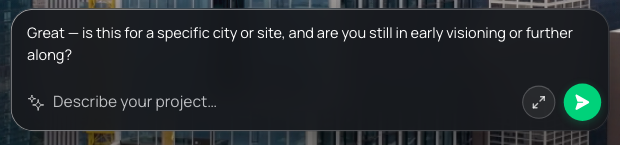
The chat opens on a preview of your website with your suggested questions and a message bar. Tap a suggestion or type one realistic question the way your customers write, typos and all. Start Over resets the test.

- 4
Go a few turns
The agent replies in the bar. Continue until it reaches the part you changed or want to check.
What to check
- It asks for the details you need, in a sensible order.
- Recommendations match what you asked for.
- Prices or quotes add up.
- It offers the right next step at the right time.
- It follows your guardrails when you push on them.
Check it worked
- The test conversation appears in Conversations when you choose Test Only in the filter, marked TEST.
If it doesn't work
- The agent says something wrong.
- Find which page owns that behaviour (see Configure your agent), change one thing, save, and test again.
Related guides
- Configure your agentThe three dashboard pages that decide what your agent says and does, and what each one is for.
- Set up how your agent sellsEdit the steps your agent walks customers through: what it asks, what it recommends, and how it closes.
- Put your agent on your websiteCopy one snippet onto your site so your agent can chat with visitors on every page.