
Help / Configure your agent
Configure your agent
Three dashboard pages decide what your agent says and does. Most changes belong on one of them, and knowing which saves a lot of trial and error.
What you need
- An agent in your Cysora dashboard.
The three pages
- How your agent sells: the steps of the conversation. What the agent asks, how it chooses what to recommend, how it prices, and which next steps it offers.
- Business info & rules: facts about your company, its background, the tone of voice, and guardrails the agent must follow in every conversation.
- Style & behavior: how the agent looks and behaves on each channel (Chat, Page, WhatsApp and Phone), such as the chat's suggested questions and theme, and whether the Page channel is on.
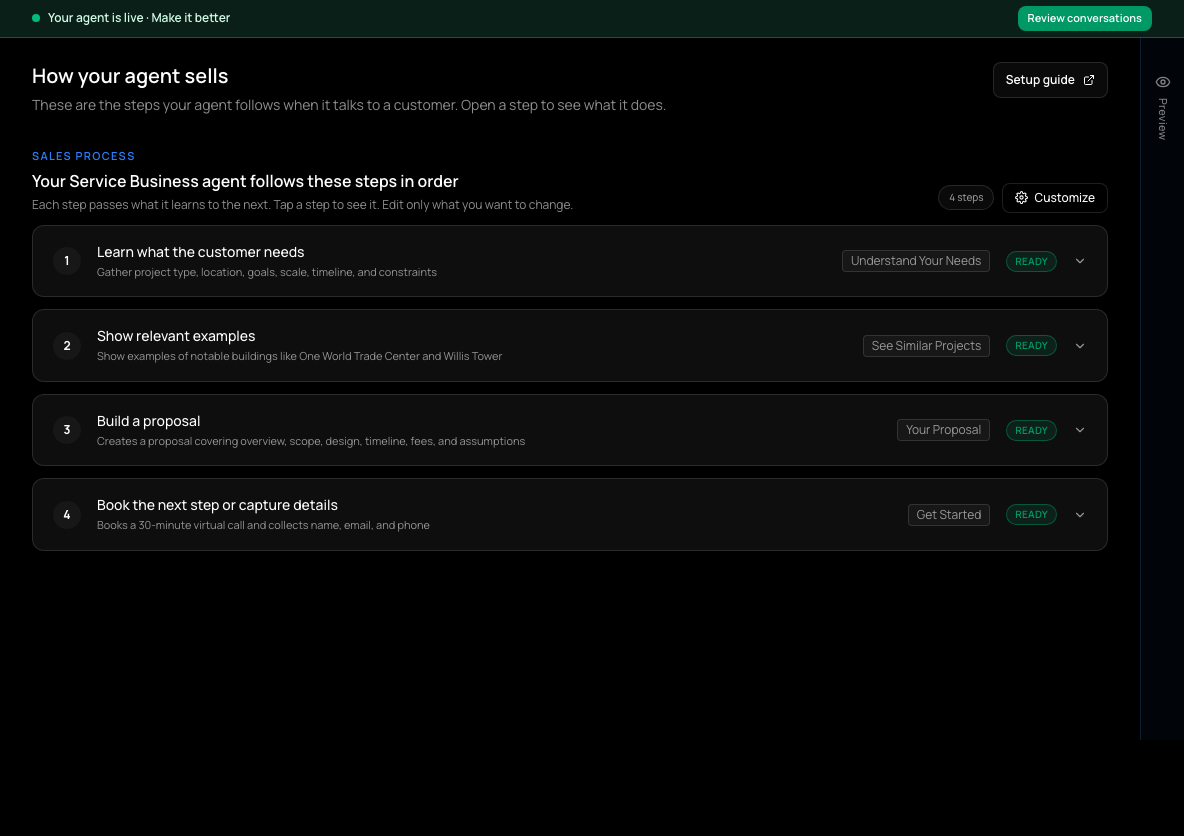
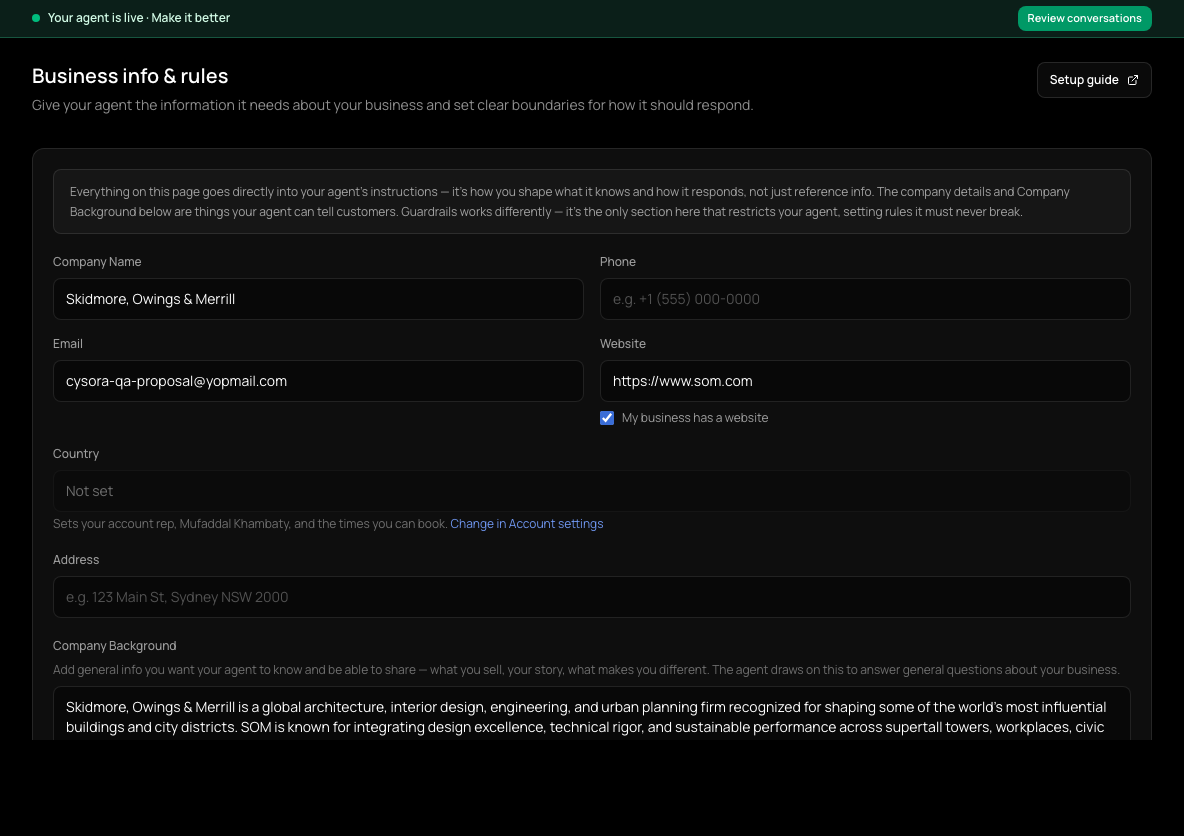
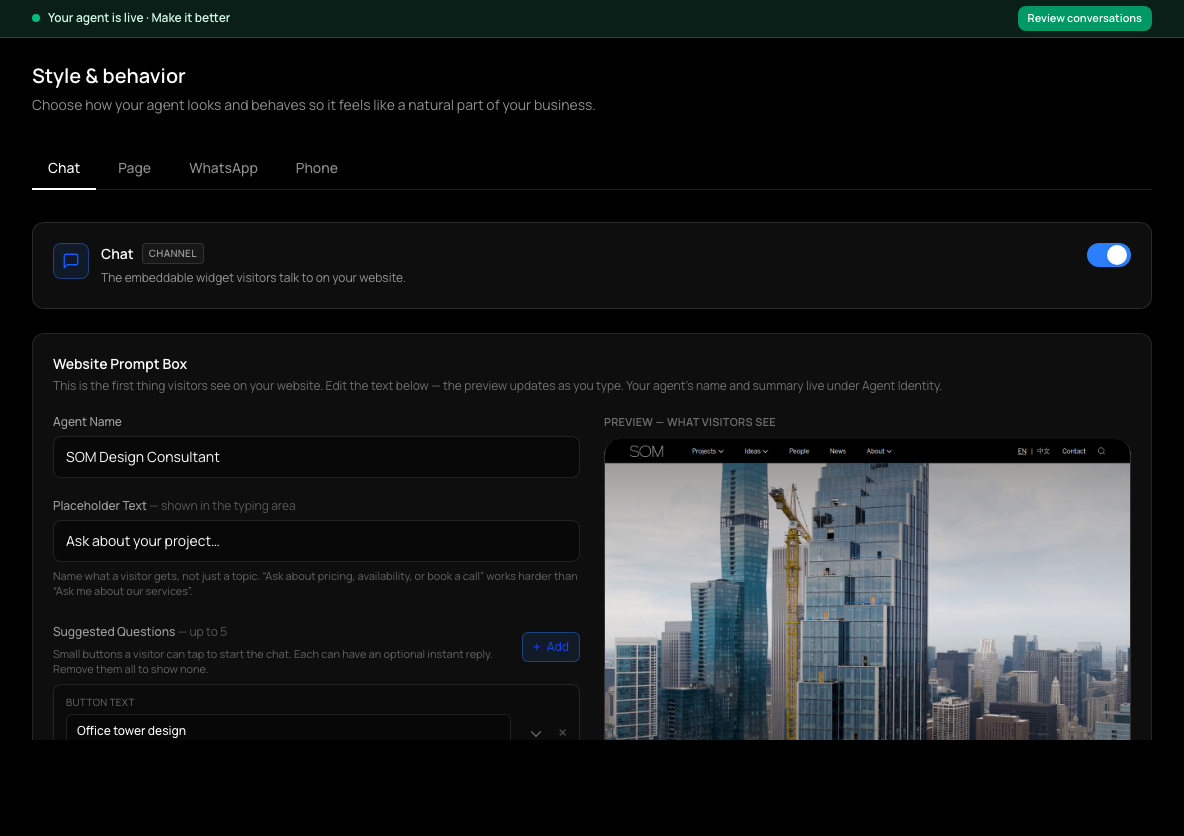
Where a change goes
- It should happen at one point in the conversation ("ask for the move-in date before recommending") → the matching step in How your agent sells. Use its required-field settings for information to collect, then additional rules for guidance the settings do not cover.
- It should always be true ("never quote delivery times") → Guardrails on Business info & rules.
- The agent gets a fact about you wrong (address, hours, what you offer) → Business info & rules.
- It recommends the wrong things → check the catalog data, Use in recommendations switches and Recommendations per reply first, then How the agent chooses for matching guidance. See the catalog guide.
- It looks or sounds wrong on one channel → Style & behavior.
Change one thing at a time and test after each change, so you know which edit made the difference.
Check it worked
- After saving a change, open Test your agent and ask the question that should now get a different answer.
If it doesn't work
- The agent ignores something I wrote.
- Check it is on the right page: a rule in one step only applies during that step. Rules that should always apply go in Guardrails.
Related guides
- Set up how your agent sellsEdit the steps your agent walks customers through: what it asks, what it recommends, and how it closes.
- Add your business info and rulesGive your agent your company details, background, tone of voice and the rules it must always follow.
- Control what your agent recommendsChoose which catalog details your agent can see, show and match on, and how many options it offers.
- Test your agentTry your agent as a customer would, on the website chat or WhatsApp, before anyone else sees it.