
Help / Get started
How Cysora works
Your Cysora agent talks to customers the way your best salesperson would: it asks what they need, recommends what fits, and moves them to a next step such as booking a call or signing up. You decide how it sells; Cysora runs the conversations.
What you need
- A Cysora account with at least one agent.
What your agent does
Every agent follows a sales process: a short list of steps you can open and edit. A typical process finds out what the customer needs, recommends products or services, shows a price or prepares a quote, and ends with a next step.
When a customer shares their contact details or reaches the next step, they appear as a lead in Conversations and Sales pipeline.
Where customers meet your agent
You manage all of these on Go live in the dashboard (the sidebar item is called Channels & install once your agent is live).
- Website chat: a chat window on every page of your site, added with one snippet.
- Hosted link: a page Cysora hosts for you. Share it anywhere, no website needed.
- WhatsApp: your agent answers messages on your WhatsApp business number.
- Phone: your agent answers calls on a number from Telnyx, Twilio or Plivo.
- AI assistants: a customer's own ChatGPT or Claude can find your agent from your website and continue with it.
What you set up before going live
- 1
Configure
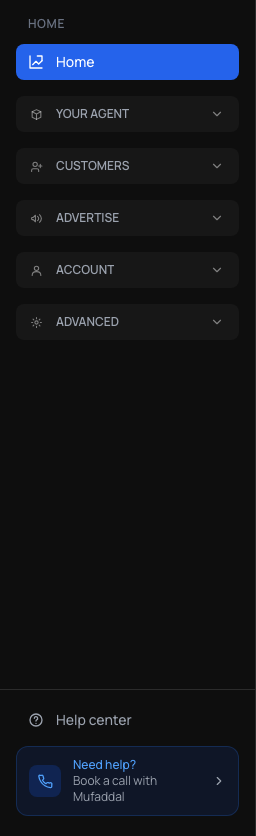
Check How your agent sells and Business info & rules in the sidebar so the agent knows your offer, your details and your limits.
- 2
Test
Use Test your agent in the dashboard header to chat with it as a customer would.
- 3
Publish
On Go live (Channels & install once live), put it on your website, share a hosted link, or connect WhatsApp.
- 4
Review
Read real conversations in Conversations and adjust the sales process from what customers actually asked.
Check it worked
- You can find How your agent sells, Business info & rules and Go live in the dashboard sidebar.
Related guides
- Configure your agentThe three dashboard pages that decide what your agent says and does, and what each one is for.
- Test your agentTry your agent as a customer would, on the website chat or WhatsApp, before anyone else sees it.
- Put your agent on your websiteCopy one snippet onto your site so your agent can chat with visitors on every page.
- Share a hosted linkGet a Cysora-hosted page for your agent that you can share anywhere, no website needed.